.png)
How to delete your Mark Sign account?
You can delete your account at app.marksign.eu or in the Mark Sign app for Android and iOS. The steps are the same.
- Log in and switch to your personal account.
- Open "Settings & Payments", then the "Profile" tab.
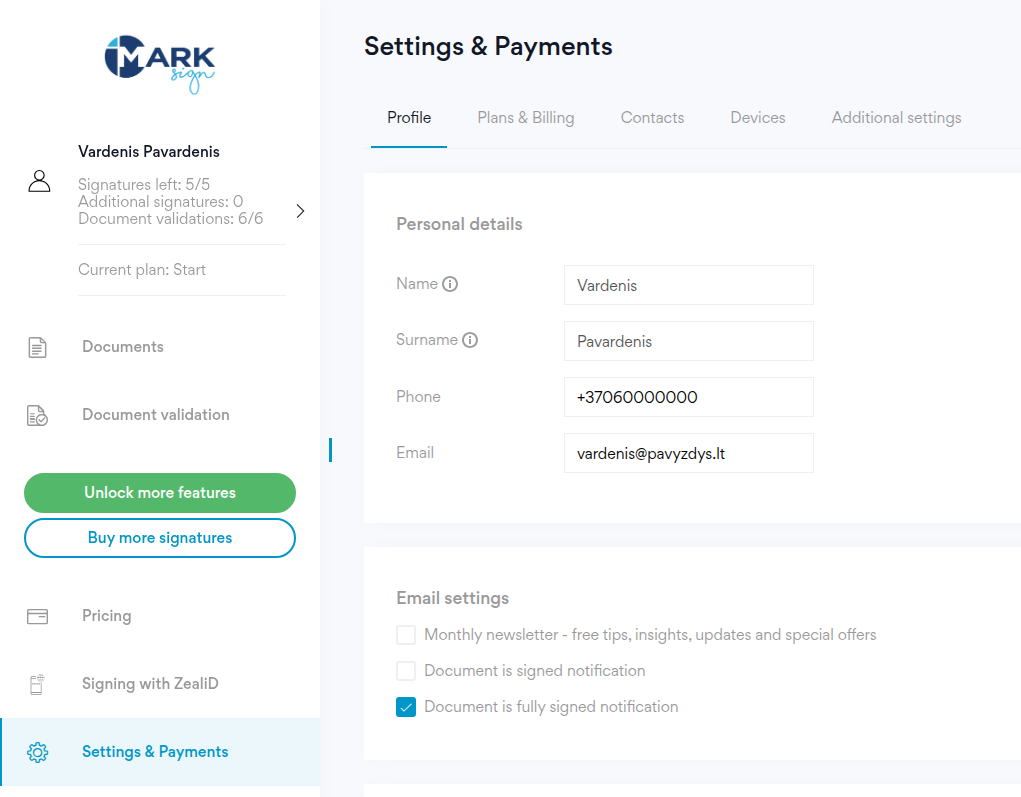
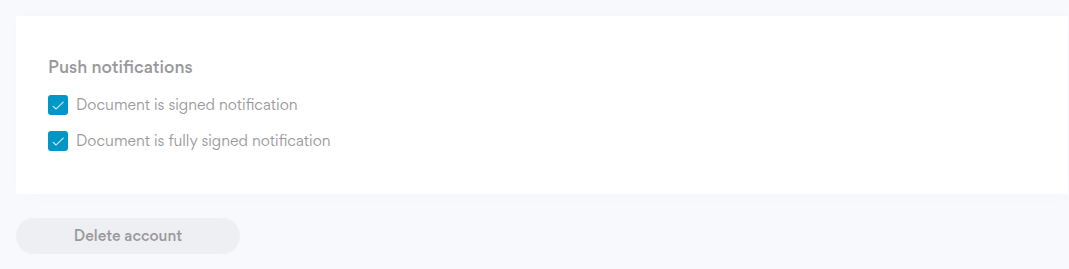
- Press "Delete account" at the bottom of the page.
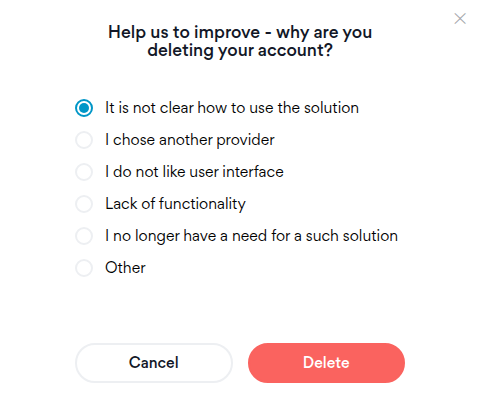
- Press "Continue", pick a reason and press "Delete".
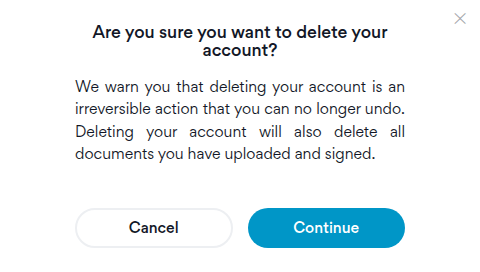
You can't undo the deletion. It also deletes every document you uploaded and signed, so download the ones you need first.
If you have business accounts, delete those first.
Can't log in? Write to pagalba@markid.lt from your account's email address and we'll delete the account for you.
What we keep after deletion, and for how long, is in our privacy policy.